
October 5, 2026 · Updated November 7, 2026 · By Dhurka Manchukan, Software Engineer · Product · 4 min read
Why I built a favicon generator that never uploads your logo
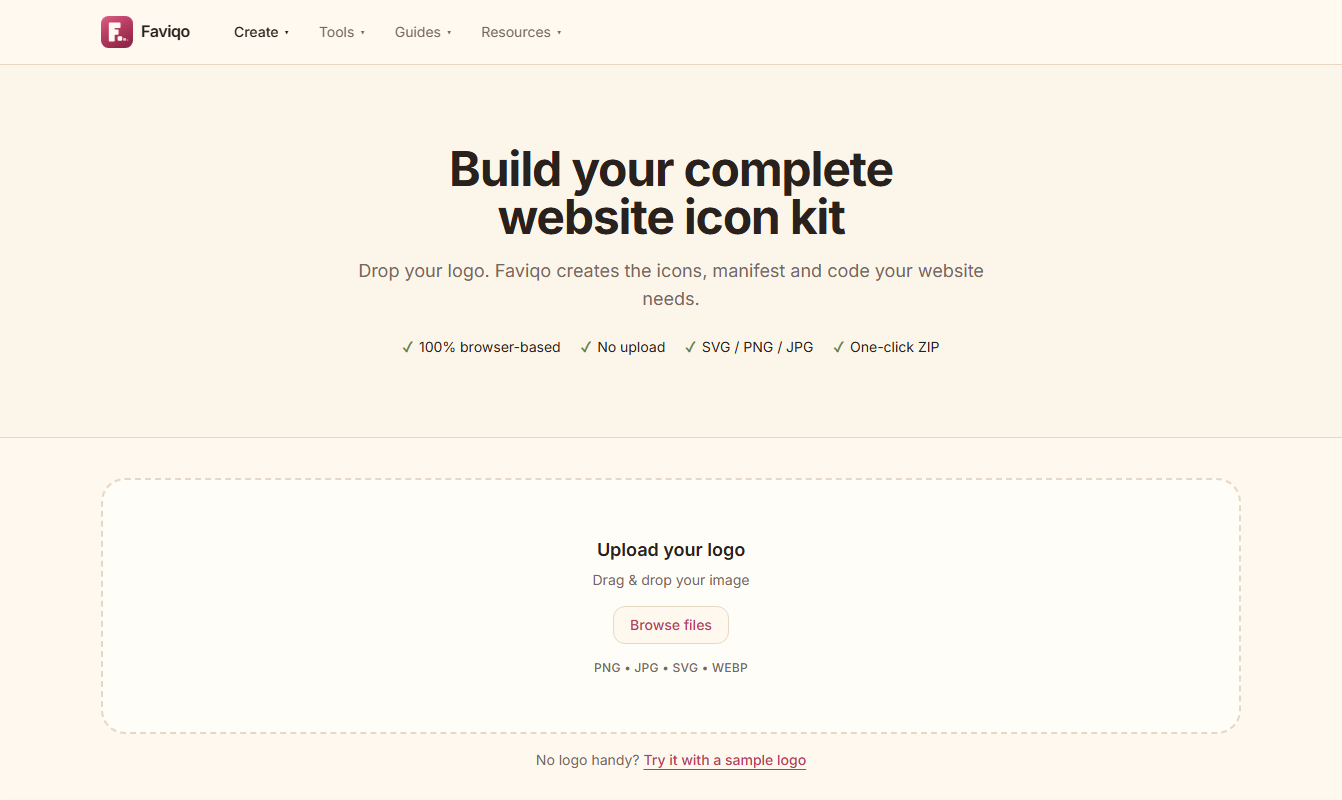
Faviqo began with a small annoyance. Every time a new site needed a favicon, the routine was the same: resize a logo into a dozen sizes, build an ICO file, hand-write a manifest and try to remember which tags belong in the head. The existing generators worked, but most asked for an upload, some wanted an account, and few explained what they had produced. The idea was a tool that does the whole job in one step and keeps the logo on your own machine.
Everything runs in the browser
The central decision was to have no backend at all. The Canvas API can already resample images, so every size is drawn directly in the page. The ICO file, a small binary format that bundles several images, is encoded by hand, and JSZip packs the results into a single download. The benefit is not only privacy. With no server there is nothing to scale, nothing to secure and nothing that can go down, and the tool is as fast as the visitor's own device.
Treat SVG as untrusted input
Letting people drop in an SVG sounds harmless until you remember an SVG can carry scripts, embedded objects and external references. Before an uploaded SVG is drawn or placed in the ZIP it is parsed and cleaned: scripts, foreignObject elements, event handlers and external links are removed. The page also ships with a strict Content-Security-Policy, so even a missed case has little room to do damage.
Be honest about what the output is
A raster logo cannot become a real vector, so the result card says whether favicon.svg is a true vector or a PNG wrapped in an SVG. Small details like this build trust. The same thinking led to a smart check that warns about low resolution, non-square images and fine detail that will vanish at 16 pixels, before the visitor downloads anything.
Why the ICO file is built by hand
An ICO file looks like an old format, but it is still the one thing every browser, feed reader and crawler will ask for at /favicon.ico. It is also simple: a small header, one directory entry per image, then the image data, and modern readers accept PNG data inside the container. Writing that structure directly takes a few dozen lines and avoids shipping a library for a single binary layout. The 16, 32 and 48 px sizes cover tabs, bookmarks and high-density screens, which is why the generator produces that set. For a deeper look at which files matter, see Favicon sizes in 2026: what you actually need.
Preview before download
People judge an icon by how it looks in a tab and on a home screen, not as a 512 px square. Showing a live browser-tab and phone preview while the visitor adjusts background, shape and padding catches problems early: a logo that touches the edge, a dark mark on a dark tab, a shape that a round mask will clip. The same reasoning applies to maskable icons, where the important artwork has to stay inside the central safe zone. Showing the safe zone as an overlay is cheaper than explaining it.
Smaller details that add up
- A downscale of a very large image can look harsh, so resizing in more than one step is worth testing against real logos.
- Transparent backgrounds behave differently on every surface. iOS fills them with black, and some dark browser themes make a dark mark vanish, so offering a background colour is a feature, not decoration.
- The download is a single ZIP with every size, the manifest and a ready-made HTML snippet, so there is no second step to forget.
- Nothing is stored, so there is no history, no account and nothing to delete later.
Guides, not only a generator
A generator answers how to make the files. Visitors usually also need to know where to put them. Faviqo includes install guides for WordPress, Shopify, Next.js, React, Vue, Angular and Webflow, plus checkers for an existing favicon and for a web manifest. Together they turn a one-off download into a complete answer.
What I would tell someone building something similar
- Decide early what you will not collect, and design so you never need it.
- Prefer the platform's built-in APIs over heavy libraries for image work.
- Make every output explain itself: what it is, where it goes, how to check it.
- Test with real files and real devices, not just unit tests.
Small tools can be genuinely useful when they respect the visitor's time and privacy. Faviqo is free, needs no account and keeps your logo on your device, and it sits alongside QRinst as part of the same goal: practical software that stays simple.
Written by
Dhurka Manchukan
Software Engineer · Sri Lanka
Dhurka Manchukan is a software engineer based in Sri Lanka and the person behind MDXTORA. Dhurka designs, builds and runs QRinst, Faviqo and Wayvert, and writes the articles in the Journal from what comes up while building them.
About the author →Keep reading
- GuidesFavicon sizes in 2026: what you actually needA practical guide to favicon and app-icon sizes, which files browsers and phones request, and how to link them correctly.
- EngineeringHow I built a production QR platformNotes on building QRinst — a QR code platform for creating, managing and tracking codes.
- ProductBuilding a travel toolkit that works without an accountNotes on building Wayvert, a free travel toolkit for currency, units, time zones and trip budgets, and the decisions behind keeping it fast, honest and light on data.