
Product · Favicon & app-icon toolkit
LiveFaviqo
The icon work every launch checklist forgets.
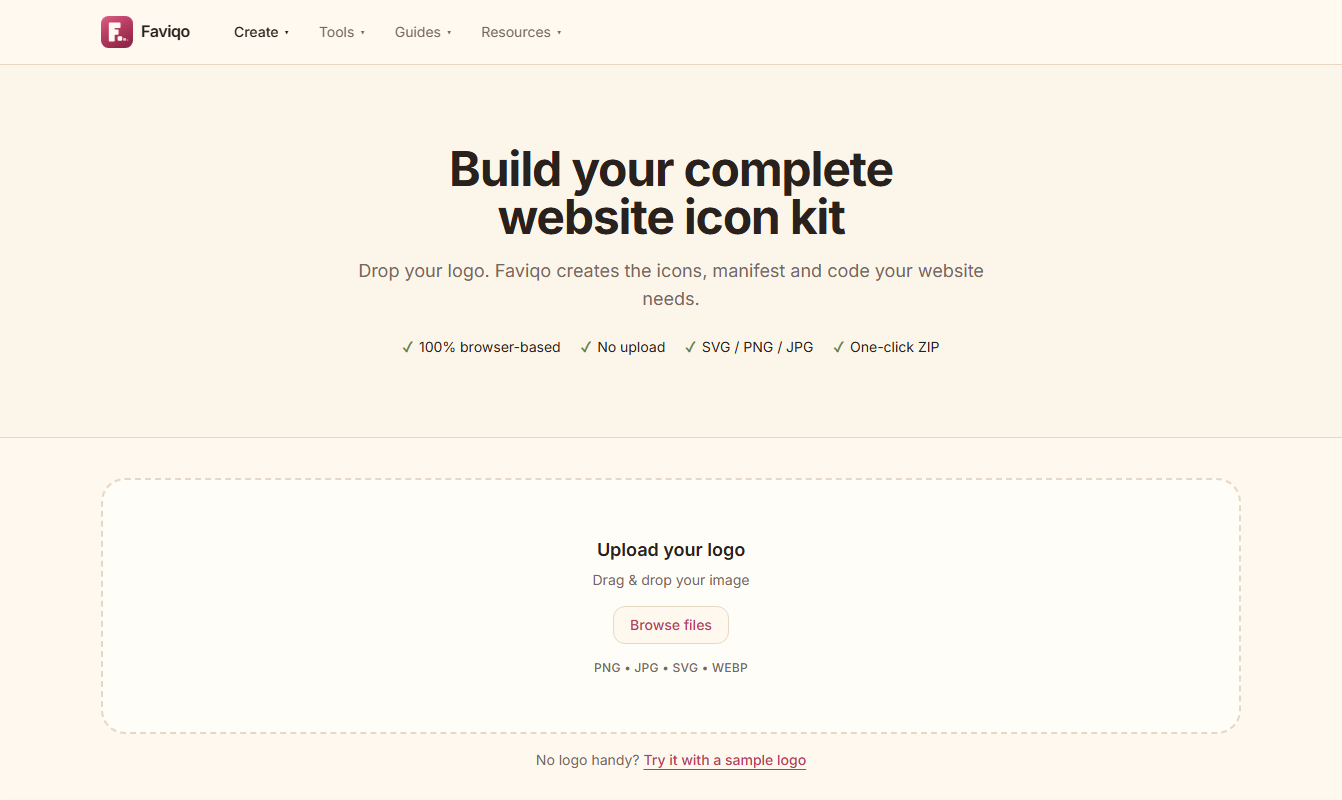
Faviqo is MDXTORA's answer to a small but constant chore: getting a brand mark to look right in a browser tab, on a phone home screen and in an installed web app. It is free, needs no sign-up, and keeps your artwork on your own device. Try it free ↗
About the product
Small job, easy to get wrong, so we built it once.
Teams lose surprising time to icons: a blurry tab image, a missing home-screen graphic, a manifest that fails validation. Faviqo is our attempt to make that work predictable. You supply a mark, and it prepares the files and the markup, then points out anything that looks off before you publish.
What stands out
Designed around trust and speed.
Your artwork stays put
Processing happens on your device. We never receive, store or review the images you work with.
No gate in front of it
There is no account, trial or watermark. Open it, finish the job and leave.
Guidance, not just files
Short guides explain where each file goes on the platform you actually use.
A second opinion
Review an icon you already ship and learn what browsers and phones will make of it.
Built for
Engineering teams
Close out the icon ticket without a detour through spec documents.
Brand designers
Judge how a mark holds up at tiny sizes and inside rounded masks.
Founders
Look launch-ready on day one, with no agency or paid plan.
Agencies
Repeat the same dependable process across every client site.
How it works
From scattered chores to one routine.
Without a dedicated tool, icon work is spread across an image editor, a converter, a text editor and several browser tests. Faviqo gathers those steps so the result is consistent from project to project.
Ad hoc
Each project repeats the same fiddly steps, and small mistakes slip through to production.
With Faviqo
One repeatable routine that runs privately on your device and flags problems early.
Technical details
What is inside the ZIP
Faviqo draws every size on an HTML canvas in your browser, encodes the ICO file itself and packs everything with JSZip. There is no server step, so nothing you drop in is uploaded.
favicon.ico
A single file holding 16, 32 and 48 px images. Older browsers and some tools still request it from the site root.
favicon.svg
A scalable icon that stays sharp at any size. It is a true vector only when the source was an SVG you did not alter.
apple-touch-icon
120, 152, 167 and 180 px PNGs used when a page is added to an iPhone or iPad home screen.
android-chrome
192 and 512 px PNGs referenced by the web manifest for Android and installed web apps.
maskable icons
Icons with the artwork kept inside the central 80% safe zone, so Android can crop them to a circle or squircle without cutting the logo.
site.webmanifest
The JSON file that names your app, sets its colours and lists the icons the browser should use when it is installed.
Resources
Designing an icon that reads at 16 pixels
Start from a square, simple mark
Favicons are shown at 16 px. A bold symbol or one or two letters stays readable; a detailed wordmark turns to mush.
Keep the safe zone clear
For maskable icons keep the important artwork within the central 80%, so rounded masks never clip it.
Mind light and dark tabs
A dark logo on a transparent background can vanish on a dark browser theme. Add a background or test both.
Link the icons in the head
Placing the files is not enough. Paste the generated markup into your page head so browsers know which icon to use.
Test on real devices
Check the tab in a desktop browser and the home-screen icon on a real iPhone and Android phone before you publish.
Get started
See it for yourself.
Free to use, no sign-up, and your files never leave your browser.
Open Faviqo